Opera vs Chrome
Compare Free VPN, Ad Blocker, Opera AI and Gemini in Chrome, Tab Islands and Tab Groups, sidebar tools, extensions, account sync and migration from Chrome.
Compare Opera and Chrome → Opera
Download now
Opera
Download now
Compare Opera with Chrome and Edge across the areas that matter in everyday browsing: privacy and security, built-in AI, tab management, sidebar tools, media, extensions, sync and cross-device use.

Opera, Chrome and Edge share many modern browser foundations, but they differ in which tools are built in, how privacy is handled, how accounts work and how browsing tasks are organized.
Compare Free VPN, Ad Blocker, Opera AI and Gemini in Chrome, Tab Islands and Tab Groups, sidebar tools, extensions, account sync and migration from Chrome.
Compare Opera and Chrome →Compare Opera Free VPN and Edge Secure Network, Opera AI and Copilot, tab organization, sidebar tools, cross-device sharing and Microsoft account integration.
Compare Opera and Edge →Download Opera, import supported bookmarks, history and passwords from your previous browser, then decide whether to make Opera your default.
Download Opera →A useful browser comparison goes beyond speed claims. Look at which privacy tools are built in, how the browser handles AI and tabs, what it connects to in the sidebar, and how easily your data moves across devices.
Compare browser VPN coverage, ad blocking, tracking protection, phishing protection, password tools and site-data controls.
Compare Opera AI with AI features in Chrome and Edge, including page context, tab context, account requirements and supported tasks.
Look at Tab Islands, tab groups, Workspaces, tab search, split-screen tools and the ways each browser handles large tab sessions.
Compare integrated messengers, social media, music services, AI assistants, browser tools and pinned websites.
Review extension compatibility, built-in media tools, content collection, translation and personalization options.
Compare bookmarks, passwords, history and open-tab sync, plus Flow, Edge Drop and the account systems behind them.
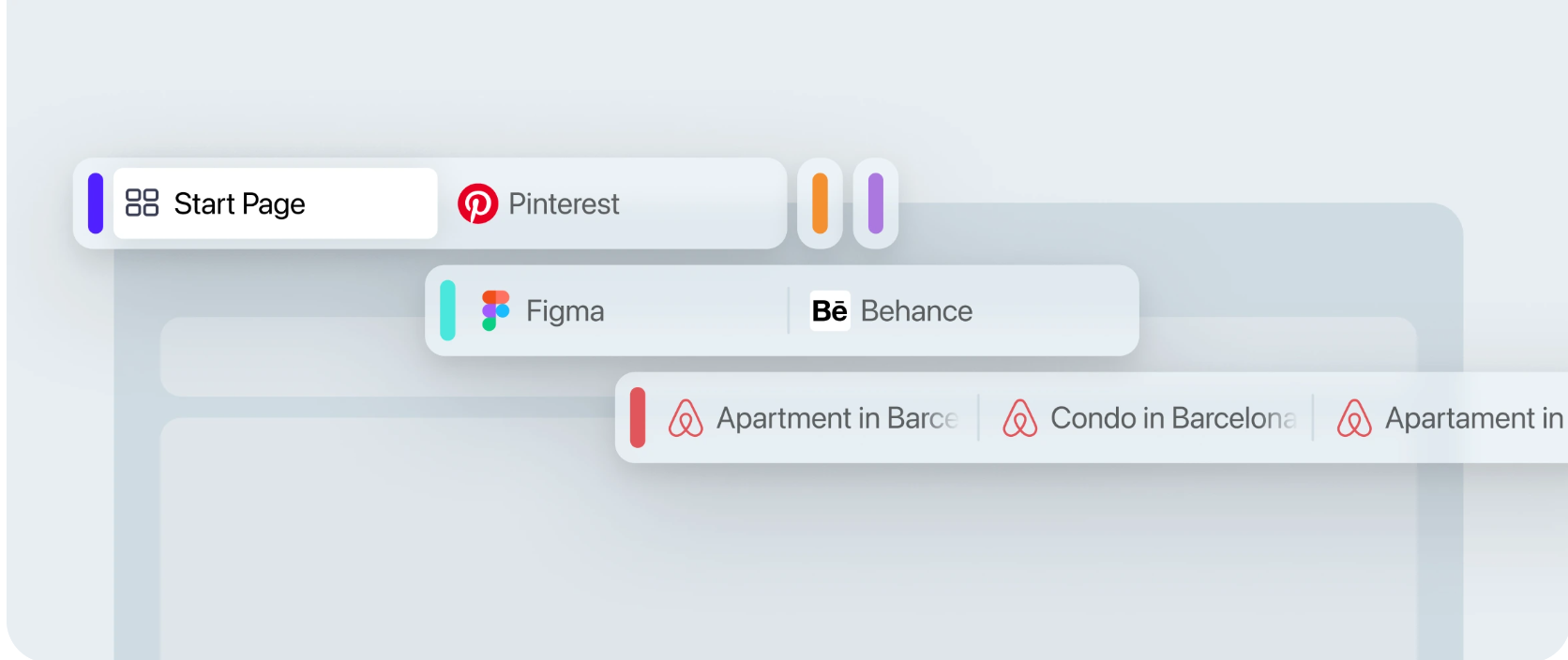
Opera combines a Chromium-based browser with a broad set of built-in tools. The detailed Chrome and Edge pages compare those tools against the current features in each competing browser.
Opera includes a Free VPN for browser traffic, a built-in Ad Blocker, tracker blocking and additional security controls. Competing browsers use different combinations of built-in protection and optional services.
Opera AI can work with webpage and tab context, while Chrome and Edge provide their own AI experiences through Gemini and Copilot. Availability and account requirements differ by browser.
Tab Islands, Workspaces, Search in Tabs and Opera’s sidebar are designed to keep related browsing, messaging, media and tools inside one browser environment.
Opera Sync keeps supported browser data across signed-in devices, while My Flow sends links, notes and files between connected Opera browsers. Chrome and Edge use their own account-based sync systems.
All three are Chromium-based desktop browsers, so they share strong website compatibility. The bigger differences are in built-in privacy tools, AI, tab management, sidebar services, account ecosystems and cross-device features.
Yes. Opera includes a Free VPN for traffic inside the Opera browser. Chrome does not include a built-in VPN, while Edge offers Edge Secure Network with different account and data conditions.
Yes. Chrome offers Gemini in Chrome and related AI features, while Edge integrates Copilot. Opera provides Opera AI as its native browser AI. Access conditions and supported contexts differ between them.
That depends on how you work. Opera offers Tab Islands, Workspaces, Search in Tabs and Split Screen; Chrome and Edge have their own tab groups, search and productivity tools. The specific comparison pages show the differences in more detail.
Yes. Opera can import supported data such as bookmarks and, depending on the source browser, history, saved passwords, cookies and settings. You can migrate before deciding whether to make Opera your default browser.
Start with the browser you currently use most. The Opera vs Chrome and Opera vs Edge pages compare current features directly, while this page is the broader comparison hub.
COMPARE BROWSERS
Review the Chrome or Edge comparison, then download Opera if its privacy, AI, tab management and built-in tools better match the way you browse.
